Understanding ToDesk: The Future of Remote Desktop Solutions
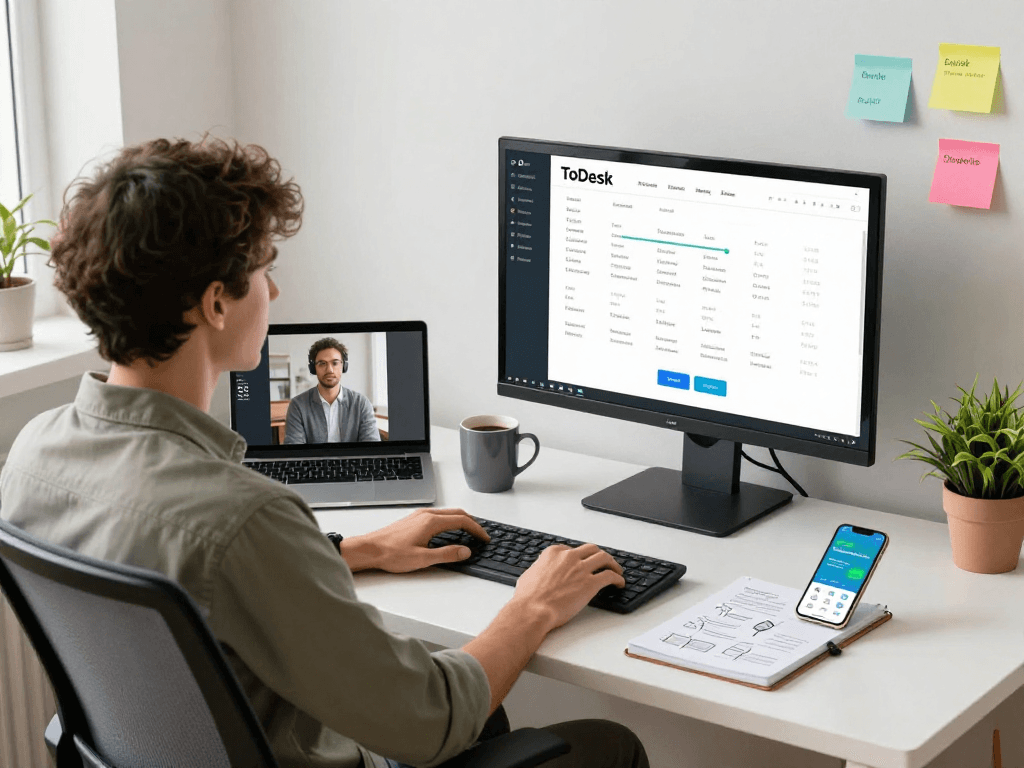
As businesses continue to embrace remote work, effective tools that ensure seamless connectivity have become essential. Among these tools, ToDesk stands out as a leading remote desktop software. It offers a robust solution for a variety of settings, from telecommuting to IT support. This article will delve into what ToDesk is, its security features, and the importance of cross-platform functionality, providing a comprehensive look at why it's garnering attention in 2026.
What is ToDesk and its Key Features?
ToDesk is recognized as one of the premier remote desktop software solutions available today. Designed to facilitate remote work, it combines a user-friendly interface with powerful capabilities. Some of its key features include:
- End-to-End Encryption: ToDesk ensures that all data transmissions are secured through advanced encryption methods, protecting users from unauthorized access.
- Multi-Layer Authentication: To enhance security, ToDesk implements multi-factor authentication, ensuring that only authorized users can access the remote systems.
- Cross-Platform Support: With compatibility across various operating systems including Windows, Mac, Linux, Android, and iOS, ToDesk caters to a diverse range of user needs.
- High-Quality Streaming: The software utilizes a proprietary image compression algorithm that allows it to deliver low-latency and high-quality streaming, even under challenging network conditions.
How ToDesk Ensures Security and Reliability
In an era where data breaches pose significant threats, ToDesk prioritizes security above all. Its end-to-end encryption guarantees that data remains confidential during remote sessions. The multi-layer authentication process adds an extra security layer, preventing unauthorized access while providing peace of mind to users. Furthermore, regular updates ensure that the software is equipped with the latest security features and protocols.
ToDesk's reliability is further bolstered by its comprehensive logging and monitoring capabilities, allowing IT administrators to maintain a secure environment and promptly address any potential issues.
The Importance of Cross-Platform Support
In today's diverse computing landscape, the ability to operate seamlessly across different platforms is crucial. ToDesk excels in this regard, allowing users to access their systems from Windows, Mac, Linux, Android, or iOS devices. This cross-platform support not only enhances user accessibility but also improves collaboration among team members who may be using various devices. With ToDesk, users can transition between devices without any loss of functionality, making remote work smoother and more efficient.
Benefits of Using ToDesk for Remote Work
Enhancing Productivity in Remote Collaboration
ToDesk significantly enhances productivity for remote teams. Its intuitive interface allows users to quickly connect to remote systems, facilitating instant collaboration. For instance, teams can work together on projects without the need for physical presence, making brainstorming sessions and document reviews more efficient. The software's ability to handle multiple sessions simultaneously ensures that productivity remains high, even in a distributed work environment.
Cost-Effectiveness of Remote IT Support with ToDesk
One of the major advantages of using ToDesk is its cost-effectiveness, especially for organizations that require IT support. Traditional on-site IT support can be expensive and time-consuming. With ToDesk, IT professionals can remotely troubleshoot issues, install software updates, and perform regular maintenance without the need to travel to a client’s location. This significantly reduces travel costs and allows IT teams to allocate their resources more efficiently.
Real-World Applications: Case Studies of Success with ToDesk
Numerous businesses have successfully integrated ToDesk into their operations, reaping the benefits of its robust features. For instance, a medium-sized tech company reported a 30% increase in productivity after transitioning to remote work with ToDesk. The ability to quickly resolve technical issues remotely enabled their IT team to focus on strategic projects rather than routine maintenance. Similarly, educational institutions have harnessed ToDesk to provide remote access to teaching materials, enhancing learning experiences for students. These case studies illustrate the versatility and effectiveness of ToDesk in various industry contexts.
ToDesk vs. Competitors: What Sets it Apart?
Feature Comparison: ToDesk and Other Remote Desktop Tools
While there are many remote desktop solutions available, ToDesk distinguishes itself through its comprehensive feature set. Compared to its competitors, ToDesk offers superior security features and a more intuitive user experience. For example, many competitors lack the advanced encryption and multi-layer authentication that ToDesk provides, which are crucial for enterprise-level clients concerned about data security.
User Satisfaction and Testimonials
User feedback is pivotal in evaluating software effectiveness. ToDesk enjoys a positive reputation among its users, with many citing its reliability and ease of use as key benefits. Testimonials from IT managers and remote workers frequently highlight the software's ability to facilitate seamless communication and collaboration, emphasizing that it allows them to work just as effectively as if they were on-site.
Analyzing Market Trends and Customer Preferences
In 2026, the demand for remote desktop solutions is expected to swell, driven by the increasing prevalence of hybrid work models. Customers are leaning towards solutions that not only offer robust security but also enhance user experience. ToDesk's commitment to innovation positions it favorably within this competitive landscape. By continuously adapting to emerging trends and user feedback, ToDesk remains relevant and valuable for its users.
Common Challenges When Using Remote Desktop Software
Security Concerns and Data Protection Strategies
Despite its many benefits, remote desktop software often faces challenges, particularly concerning security. While ToDesk implements stringent security measures, users must also adopt best practices to protect their data. This includes regularly updating passwords, utilizing multi-factor authentication, and educating employees about potential phishing scams that may compromise their systems.
Addressing Performance Issues in Low Bandwidth Scenarios
Performance can be hindered in environments with slow internet connections. However, ToDesk's advanced image compression technology mitigates this issue, ensuring that users can still enjoy smooth performance even with low bandwidth. Users can also optimize their experience by closing unnecessary applications that consume bandwidth and avoiding high-definition video streaming during remote sessions.
Overcoming User Resistance and Misconceptions about Remote Access
Some users may be resistant to adopting remote desktop software due to misconceptions about its security or effectiveness. ToDesk addresses these concerns through educational resources that demonstrate its capabilities and highlight real-world success stories. By fostering a community of informed users, ToDesk helps alleviate fears and encourages broader adoption across various sectors.
The Future of Remote Work: What Lies Ahead for ToDesk
Emerging Technologies and Innovations in Remote Software
The landscape of remote work is evolving, influenced by emerging technologies such as artificial intelligence and machine learning. These innovations promise to enhance user experience by providing adaptive functionalities that anticipate user needs. As ToDesk continues to evolve, it will likely integrate these technologies to further streamline remote access and collaboration.
Predicted Trends in Remote Work for 2026
Looking ahead, the trend towards remote work is expected to remain strong. Flexibility and employee wellness will be at the forefront of corporate priorities. ToDesk is well-situated to support these trends with features that promote work-life balance and efficient communication structures.
Preparing for Future Remote Work Demands with ToDesk
ToDesk's commitment to continuous improvement ensures that it remains responsive to the changing dynamics of remote work. By investing in user feedback and market research, ToDesk can adapt its offerings to meet the needs of future users, providing them with the tools necessary to thrive in a remote work environment.
What makes ToDesk a reliable remote desktop solution?
ToDesk is built on a foundation of security, reliability, and user-friendly design. Its comprehensive features cater to a variety of use cases, from individual users needing occasional access to IT teams managing extensive networks. This reliability makes ToDesk a trusted choice for many organizations.
How does ToDesk ensure data security during remote sessions?
ToDesk employs end-to-end encryption and multi-layer authentication to secure data during remote sessions. By doing this, it protects sensitive information from interception and unauthorized access.
Can I use ToDesk on multiple devices?
Yes! ToDesk supports cross-platform functionality, allowing users to access their remote sessions from various devices, including desktops and mobile platforms.
What industries benefit the most from using ToDesk?
ToDesk is versatile and can benefit a wide range of industries, including IT support, education, healthcare, and finance. Each of these sectors requires secure and efficient remote access solutions, making ToDesk a valuable asset.
How does ToDesk handle user support and troubleshooting?
Customer support is integral to ToDesk’s service. The platform offers comprehensive documentation and a responsive support team to assist users with any challenges they encounter, ensuring a smooth experience while using the software.